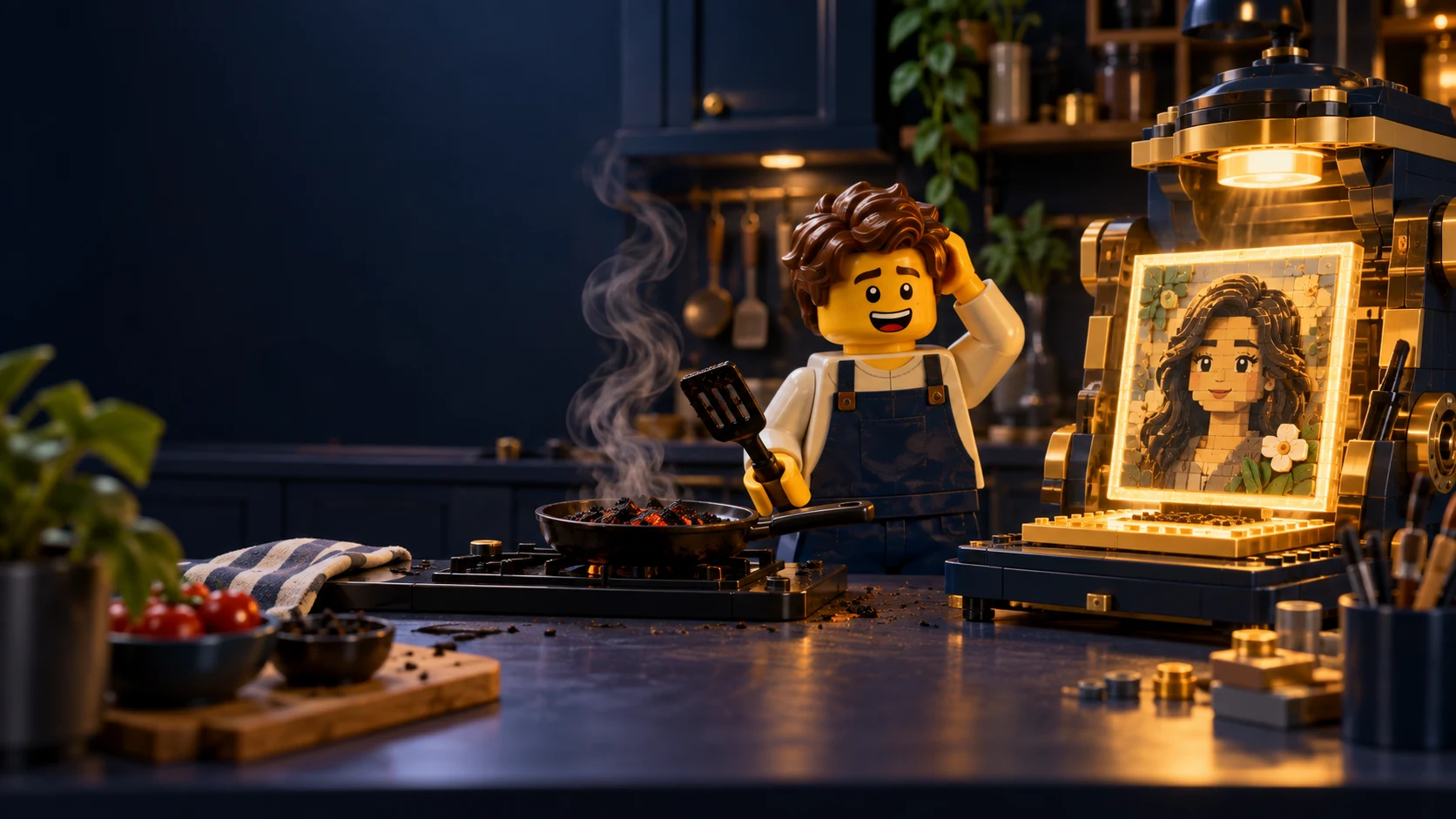
The Food Burned, but I Got a Portrait: What I Learned from Midjourney V7
Open a pot - get a portrait
Friday at noon. I’m in the kitchen, stirring sauce with one hand and with the other I open Midjourney V7 for a second. Told myself, “just checking one small thing.”
Fifteen minutes later - the food’s burned, the kids are hungry, and I’m staring at the screen with a discovery grin.
Turns out V7 isn’t just another update. It’s not a version. It’s a whole new language for talking to AI.
The prompts I knew didn’t respond the same. The tools changed. And the most surprising part? It felt like the model… actually listens.
By the way, if you want to hear about the darker side of AI image-making, listen to the great episode with Dror Globerman about deep fakes
🔥 Where V7 really shines
1. Understands you even when you’re not precise
V7 responds to prompts much more naturally. Descriptions that used to need intricate combos now work even when you keep them simple.
🔹 Tip: Instead of over-explaining, try to describe a scene the way you’d tell a friend:
“A girl standing on a bridge in a European city at night, light rain in the background” works. Sometimes even better than the over-detailed version.
2. High image quality - finally portraits that don’t feel fake
Something happened to V7 - it started to understand light. Skin looks natural, lighting feels like a real set, and the colors are less “AI-y” and more like good photography. Instead of the too-perfect characters from before, you suddenly get images that look… human.
🔹 Small tip with big impact: Want results that look like they were actually shot? Add phrases like:
natural light no HDR unfiltered look
3. Draft Mode - the game-changer that changed my pace
10× faster. Half the cost. But most important? It finally lets you flow. Draft Mode in V7 is perfect for sketches, experimenting with variations (—repeat), and even… voice work. Yep - just talk to it.
🔹 Before/After - exact same prompt:
A photo of an old fisherman in a small wooden boat at sea, cinematic lighting
V6: too sharp, too glossy, a bit like a Disney poster
V7 Draft: raw, rough, but moving
V7 Final (Enhanced): minimalist. Cinematic. Feels like a photo hanging in a gallery, not on an AI feed
4. Personalization - when Midjourney starts to get your vibe
Sit for a few minutes (really, under 10) and rate 200 images - V7 begins to pick up your taste. What you like, what you don’t, what’s “wow” and what’s “meh.” From there, it starts speaking your visual language.
Feels like it’s looking at your feed - and trying to impress you.
🔹 Bottom line? After that - no going back.
5. You can talk to the model. Actually talk.
Yep, this might be the most exciting feature: you can talk to Midjourney. In Hebrew too. With emotion. And it responds.
🔹 Tip: Works best if you speak clearly and at an easy pace. It’s not Siri, but it’s not blind either.
🚧 So what’s still missing for this to be perfect?
Midjourney V7 brings a lot of magic - but there are still a few loose ends:
—cref: Want the same character across images? Hold off for now.
Omni-Reference: the brilliant feature that hasn’t landed yet.
—weird, —iw: chaos lovers, a bit more patience.
Editing tools like Vary by Region and Retexture are still stuck on the previous version.
And text inside images? Still not there. If you need crisp, reliable text - add it manually or use other models (e.g., ChatGPT 4o with Inpainting).
🎯 So who should jump in now - and who should wait?
✅ Worth trying if you are: - Designers or artists who need quick inspiration - Content creators aiming for a more realiztic style - Building moodboards or visual profiles
🕓 Maybe wait if you are: - Dependent on precise character control (Character Ref) - Building stable workflows with advanced features - Relying on high-quality text inside images or special export formats
🧠 Personal take (and a bit of burnt food)
V7 felt like talking to a slightly more intuitive, slightly less stubborn version of myself. Fewer fixes, fewer fights. More freedom. More dialogue.
It’s still not perfect - sometimes it burns, sometimes it stalls - but when it works… it feels like magic you can direct.
🤔 And you?
Tried V7 yet? Got a prompt that worked insanely well? Or something that sounded great on paper - and just crashed?
I’m collecting insights, examples, and mistakes for a follow-up post. If you’re up for sharing - send a comment, link, or image.
Have a creative week, an out-of-the-box dev team